
Tax Compliance Readiness Tips Every Small Enterprise Needs
Prepare your small business for tax season with essential compliance readiness tips. Avoid penalties and stay audit-ready with our practical guidance.
Cloud-based accounting has become standard for businesses managing finances remotely. Yet many organizations still hesitate, uncertain whether the benefits outweigh the risks.
We at My CPA Advisory and Accounting Partners help clients navigate this decision every day. This guide breaks down what you need to know to move forward confidently.
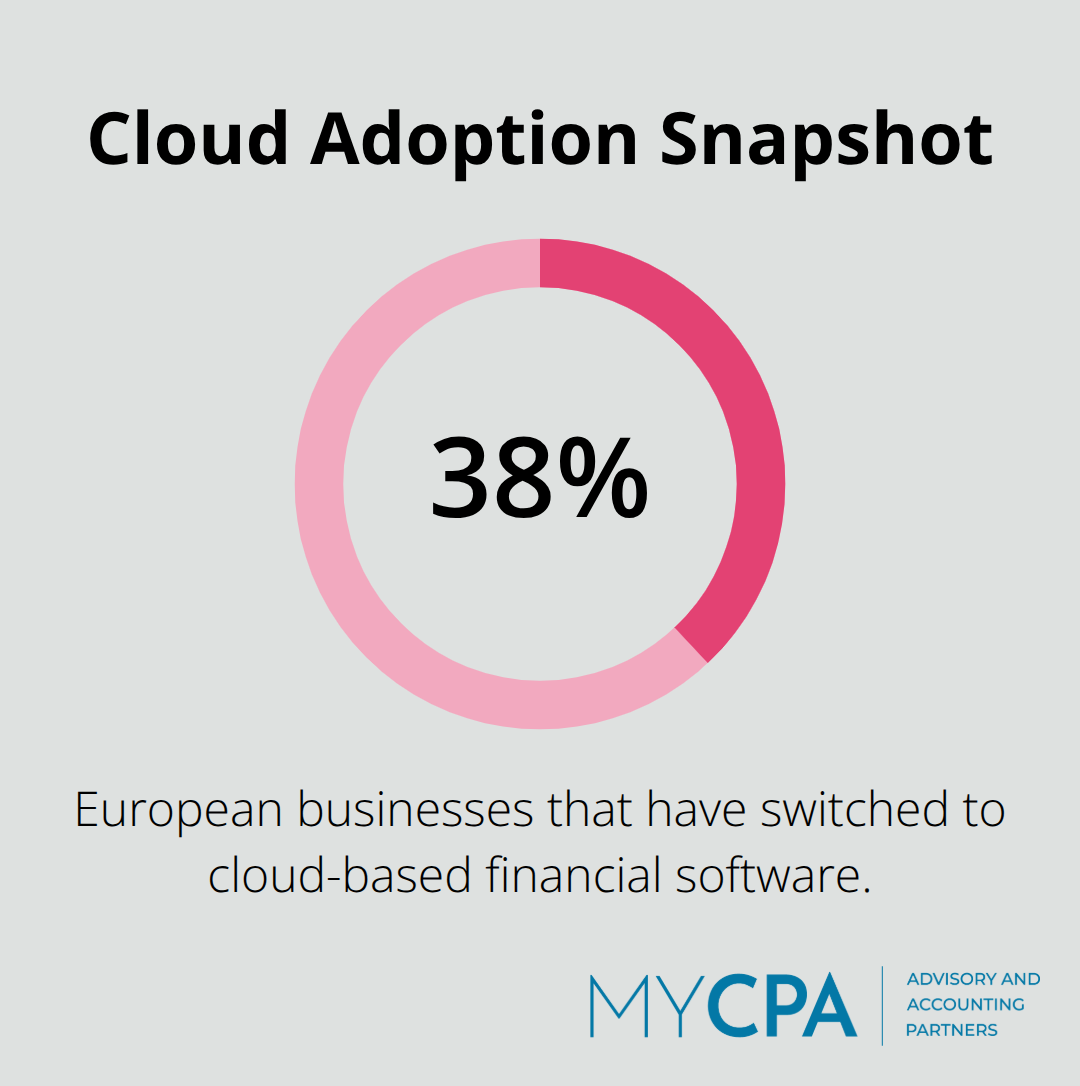
Cloud accounting eliminates the traditional expense structure that drains small and mid-sized business budgets. You stop paying for expensive desktop licenses, server maintenance, and IT staff dedicated to system upkeep. Instead, you pay a monthly subscription scaled to your actual usage. About 38% of European businesses have already switched to cloud-based financial software, according to Wolters Kluwer, and the primary driver remains cost reduction combined with flexibility. Wave, for example, offers a Starter Plan at no cost, letting you test the platform before committing to their Pro Plan, which unlocks unlimited bank and credit card connections with automatic transaction categorization. This pay-as-you-go model means you add users and features only when you need them, not months in advance.
Real-time financial data accessible from any device eliminates the bottleneck of waiting for end-of-month reports locked in a desktop file on someone’s computer.
Your team sees current cash flow, outstanding invoices, and expense trends instantly, which accelerates decision-making and reduces guesswork in forecasting. Automatic backups with encryption built into cloud platforms also mean you avoid the hidden costs of data recovery after a crash or accidental deletion. Scaling becomes effortless: adding ten new team members or processing double your transaction volume requires no hardware investment, no new licenses to negotiate, and no IT installation days.
Cloud platforms automate the recurring tasks that consume analyst time without adding business value. Bank transactions import automatically and categorize themselves, expense receipts scan and file into the correct accounts, and reconciliations trigger alerts when accounts don’t match. Automation removes hours of manual work like data entry, transaction processing, bank reconciliation, and financial reporting. Invoice processing, tax data extraction, and approval workflows run on schedules you set, not on your team’s availability. This automation directly reduces errors that manual data entry introduces and frees your staff to focus on analysis, client advisory work, or strategic planning instead of data entry.
The ROI appears immediately when your team reclaims time previously spent on manual categorization and reconciliation for higher-value work. Payroll integration within a single platform means you run payroll, record it to your books, and file compliance documents without switching between three separate tools. For service-centric businesses especially, integrated cloud accounting connecting invoicing, delivery tracking, and cash collection creates an end-to-end visibility that standalone systems cannot match, making project profitability analysis faster and more accurate.
Understanding these cost and efficiency gains sets the stage for the harder conversation: what security risks accompany this shift, and how do you protect your data while capturing these benefits?
Moving to cloud accounting means surrendering physical control of your servers to a provider, and that shift introduces real vulnerabilities. The biggest threat isn’t theoretical-it’s the multi-tenant environment where your data sits on shared hardware with other companies’ information. If a hacker breaches another client on the same server, your data can get caught in the crossfire. CISA cloud security guidance emphasizes disciplined identity and access management as core risk controls, yet many businesses skip these steps during migration. Your cloud provider handles data center security, physical access controls, and encryption, but you control user provisioning, account deactivation, and permission levels. This split responsibility creates gaps. When an employee leaves, how quickly can you disable their account? Most cloud platforms let you do it instantly, but if your admin process requires approval chains or manual steps, you’ve extended the window where a terminated employee retains access to sensitive financial data.
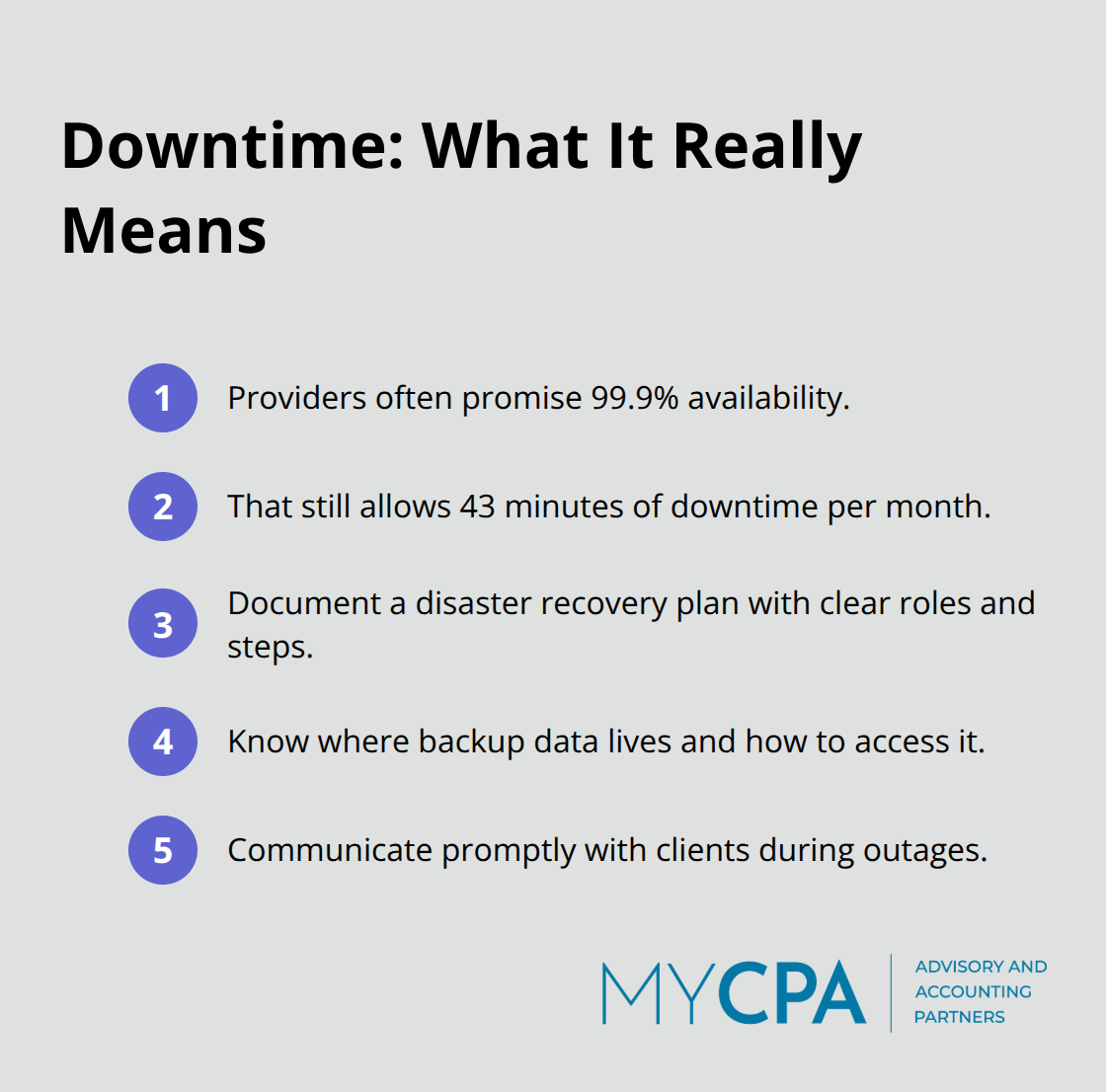
The second major risk surfaces during service interruptions. Cloud providers promise uptime guarantees-typically 99.9% availability, which sounds reliable until you calculate that it allows 43 minutes of downtime per month. During that window, your team cannot access invoices, reconciliation data, or cash flow reports. For businesses running on tight cash flow cycles, even a few hours of outage can disrupt payment processing or delay critical financial decisions. Your provider publishes maintenance schedules, but unexpected incidents happen. You need a documented disaster recovery plan that specifies what your team does when access fails, where backup data lives, and how you communicate with clients affected by the outage.
Third, vendor lock-in creates a painful exit scenario. Migrating data out of one cloud platform into another or back to desktop software takes weeks of preparation. You must export your chart of accounts, transaction history, customer records, and custom configurations in formats the new system accepts. Some platforms charge data export fees or limit how much historical data you can retrieve. The longer you stay with one provider, the more interconnected your workflows become through integrations with your CRM, payment processor, and payroll system. Switching means reconfiguring those integrations from scratch. Ask your provider about data portability upfront, request sample exports, and confirm that you own your data completely. Treating vendor lock-in as a real cost factor during platform selection protects you from expensive surprises later.
User account governance stops most breaches before they start. Implement two-factor authentication for every user, not just administrators. Set up role-based access so your junior bookkeeper cannot modify tax settings or delete historical transactions. Conduct account audits quarterly to catch orphaned logins from departed staff or contractors. Most cloud platforms let you create custom permission levels-use them. Your tax preparer needs read-only access to tax data but shouldn’t see payroll records. Your accountant should reconcile accounts but shouldn’t issue refunds. This granular control takes time to configure initially, but it prevents the damage that broad access permissions enable.
Ask your provider whether they maintain redundant backups across multiple data centers and how long recovery takes if primary systems fail. Request their disaster recovery procedures in writing. Then test your own backup strategy by exporting a sample dataset quarterly and confirming you can restore it without errors. This test reveals whether your export process actually works or whether your provider’s data format causes import failures in your backup system. Document the recovery timeline so your team knows what to communicate to clients if an outage extends beyond a few hours. These controls transform cloud accounting from a risky leap into a manageable transition-one that positions your firm to adopt the best practices that separate secure cloud operations from vulnerable ones.
Selecting a cloud accounting provider demands more scrutiny than comparing price tags and feature lists. Evaluate security certifications first, then access controls, then backup procedures. Your provider should hold SOC 2 Type II certification, which means an independent auditor has verified their security, availability, and confidentiality controls over at least six months. Ask whether they maintain redundant data centers across geographically separate regions so that a single data center failure doesn’t wipe out your access. Request their uptime guarantee in writing and confirm it specifies what happens if they miss it-some providers offer service credits, others offer nothing. Inquire about their data center security practices: do they control the physical server room themselves, or do they co-locate in a shared facility where other companies’ hardware sits feet away from yours? Co-location introduces additional risk because facility access becomes a shared responsibility.
Confirm that your provider encrypts data both in transit using TLS and at rest using AES-256 encryption. Request a sample data export in your desired format before signing a contract so you confirm their export process actually works and produces files your backup system can read. This single step prevents discovering during an emergency that their export format is incompatible with your recovery procedures.
Multi-factor authentication must apply to every user account, not just administrators. Configure it so that logging in requires a password plus a second verification method-either a time-based code from an authenticator app or a push notification to a registered device. This second factor stops attackers who’ve stolen passwords through phishing or credential databases. Set role-based access permissions so your bookkeeper cannot modify tax settings, your payroll processor cannot access client financial data, and your junior staff cannot delete historical transactions. Most cloud platforms let you assign permissions at the account level, the module level, and the transaction type level-use all three.
Conduct account audits every quarter by pulling a list of active users and confirming each person still needs access. Terminate employees should have their accounts disabled within one hour of departure, not one week. This speed matters because delayed deactivation leaves a window where terminated staff retain access to sensitive financial data.
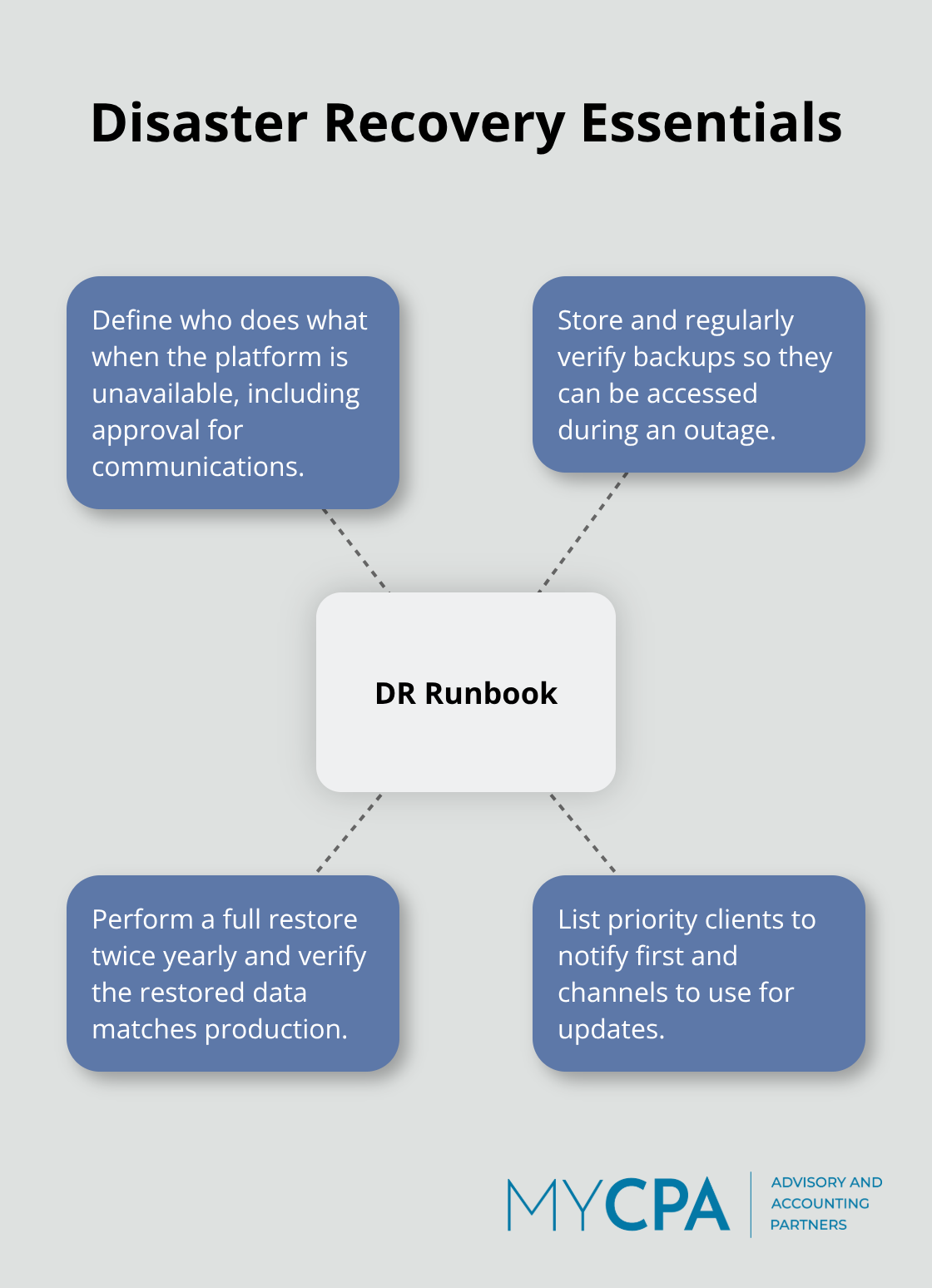
Document your disaster recovery procedure in a one-page runbook that specifies what your team does when the platform becomes unavailable, where you access backup data, which clients you notify first, and who approves communications. Test this procedure twice yearly by performing a full data restore from your backups and confirming the restored data matches your production environment. This test reveals whether your backup strategy actually works or whether technical issues prevent recovery when you need it most.
Cloud-based accounting delivers measurable advantages: lower costs through pay-as-you-go pricing, real-time visibility into cash flow and profitability, and automation that reclaims hours your team currently spends on manual data entry. These benefits are real and immediate, yet they come with genuine security responsibilities that you cannot ignore. The risks of data breaches, service interruptions, and vendor lock-in become manageable only when you implement the controls outlined in this guide: SOC 2 certification verification, multi-factor authentication for every user, quarterly account audits, and tested disaster recovery procedures.
Your competitors are already capturing the efficiency gains and cost savings that cloud-based accounting provides. Staying on desktop software means paying more, moving slower, and struggling to serve clients who expect real-time access to their financial data. The question is no longer whether to move to cloud accounting, but how to do it safely and strategically.
Start by auditing your current pain points: delayed month-end reporting, manual reconciliations, scattered data across multiple tools, or difficulty serving remote team members. Then contact a provider and request their security documentation, uptime guarantees, and data export procedures in writing before you commit. Contact our team to discuss your specific situation and build a roadmap that works for your business.








Privacy Policy | Terms & Conditions | Powered by Cajabra