
Cash Flow Management: Keeping Startups Solvent and Agile
Master cash flow management to keep your startup solvent and agile. Learn practical strategies to optimize cash flow and avoid financial stress.
At My CPA Advisory and Accounting Partners, we know that planning for retirement taxes can be overwhelming. A retirement tax planning spreadsheet is a powerful tool to help you navigate this complex landscape.
By creating your own spreadsheet, you’ll gain valuable insights into your future financial situation and potential tax liabilities. This guide will walk you through the process of building a customized retirement tax planning spreadsheet, empowering you to make informed decisions about your financial future.
The foundation of an effective retirement tax planning spreadsheet lies in gathering the right financial information. This process involves a comprehensive collection of data about your potential retirement income sources and tax implications.
Start with a detailed list of all expected retirement income sources. This includes:
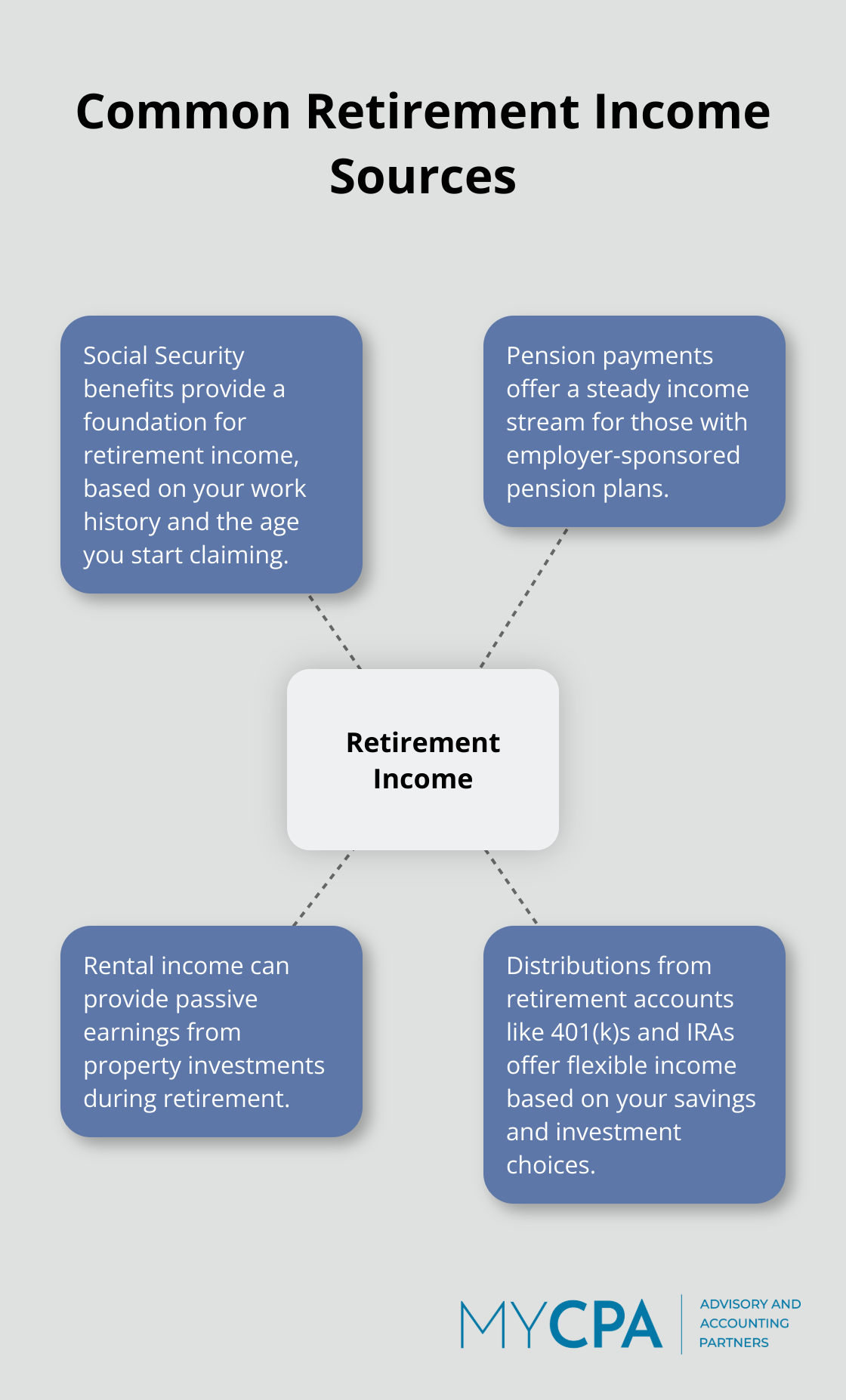
To obtain your expected monthly Social Security benefit, you can use the Online Calculator on the Social Security Administration’s website. Add any pension income you anticipate receiving. Don’t overlook potential part-time work income or passive income from investments.
Different retirement accounts come with varying tax implications:
Collect statements from all your retirement accounts and note their current balances and tax status. This information will help you project future tax liabilities more accurately.
While many deductions may not apply in retirement, some can still significantly reduce your tax burden:
If you’re 65 or older, you may qualify for a higher standard deduction. The IRS allows an additional deduction if you’re age 65 or older at the end of the tax year.
Don’t forget to account for state-specific tax rules in your retirement planning. Some states offer tax breaks for retirees, while others may tax certain types of retirement income differently. Research the tax laws in your state (or the state you plan to retire in) to ensure your spreadsheet accounts for these variations.
The collection of this financial information might seem challenging, but it forms the backbone of your retirement tax planning spreadsheet. The more comprehensive your data, the more precise your tax projections will be. This precision allows for more effective retirement planning and sets the stage for creating a robust spreadsheet structure in the next phase of your planning process.
Start your spreadsheet by creating columns for each income source you identified earlier. Label these columns clearly: “Social Security,” “401(k) Withdrawals,” “Pension,” and “Rental Income.” Add rows for each year of your projected retirement, typically starting from your planned retirement age through age 90 or beyond.
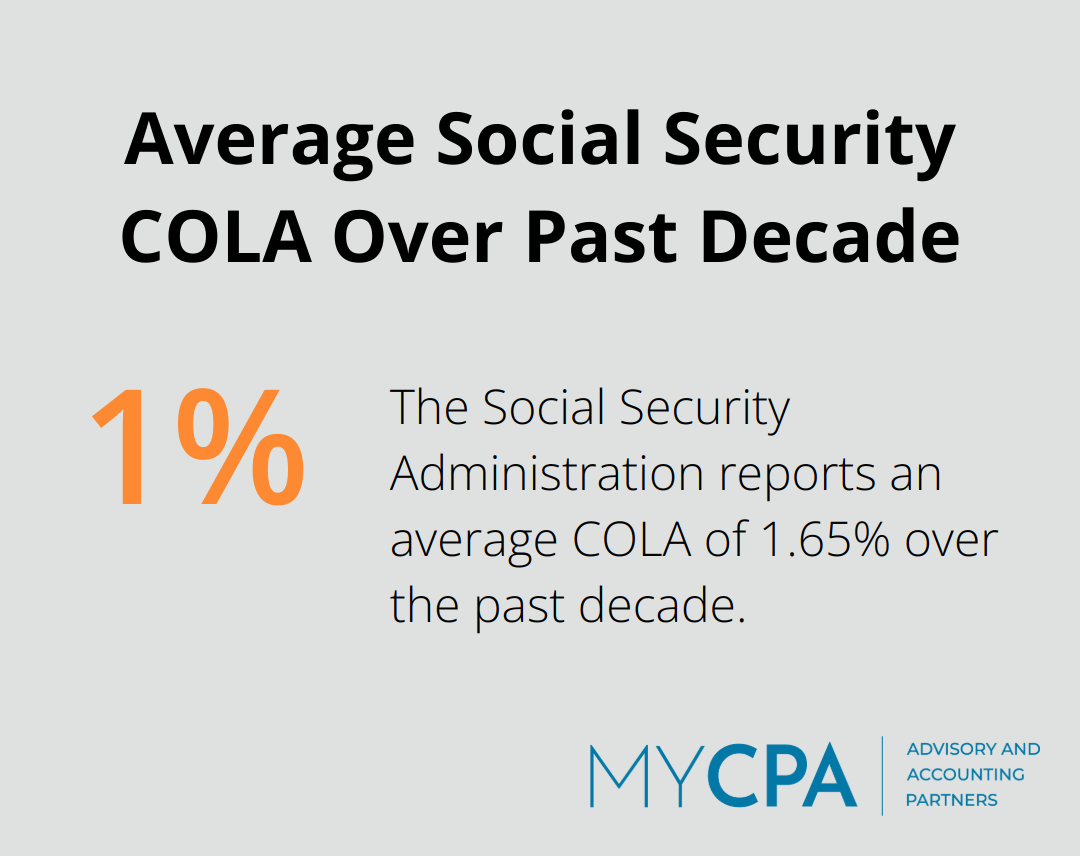
Input your projected income for each source and year. For Social Security, start with the benefit amount from the SSA calculator, increasing it annually by the average cost-of-living adjustment (COLA). The SSA reports an average COLA of about 1.65% over the past decade.
For retirement account withdrawals, consider the required minimum distribution (RMD) rules. The IRS provides tables to calculate your RMD based on your age and account balance. Include these calculations in your spreadsheet to ensure you withdraw at least the minimum required amount each year.
Create separate sections for your projected expenses and potential tax deductions. Break down expenses into categories like housing, healthcare, transportation, and discretionary spending. Factor in inflation when projecting future expenses.
For deductions, include rows for items like medical expenses, property taxes, and charitable contributions. You’ll need to itemize to claim these deductions, so compare the total to the standard deduction for your filing status.
This section transforms your spreadsheet into a powerful tax planning tool. Create formulas to calculate your taxable income by subtracting your deductions from your total income. Then, apply the appropriate tax rates to this taxable income.
Include a section for calculating your effective tax rate (total tax divided by total income) and your marginal tax rate (the rate on your last dollar of income). These metrics help you understand your overall tax burden and can inform decisions about additional income or deductions.
Don’t forget to account for state taxes if applicable. Each state has its own tax rules, so you may need to create a separate section for state tax calculations.
Many individuals benefit from creating multiple scenarios in their spreadsheets. For example, you might create one scenario where you delay Social Security benefits and another where you claim early. This allows you to compare the tax implications of different strategies side by side.
While this spreadsheet serves as a valuable planning tool, tax laws are complex and change frequently. It’s always wise to consult with a tax professional to ensure your calculations are accurate and you’re not missing any important considerations.
Now that you’ve structured your spreadsheet, it’s time to put it to work. The next section will guide you through inputting data and running scenarios to maximize the utility of your retirement tax planning spreadsheet.
Start with the input of your current financial information. This includes your age, retirement savings balances, and annual contributions to retirement accounts. Precision matters – small discrepancies can lead to significant differences in long-term projections.
For instance, if you’re 50 years old with $500,000 in your 401(k) and you contribute $19,500 annually (the 2023 limit for those under 50), input these exact figures. Don’t round off or estimate; accuracy at this stage will ensure reliable projections.
Next, project your future income and expenses. Use realistic growth rates for your investments. The S&P 500 has historically returned about 10% annually before inflation, but it’s wise to use a more conservative estimate (such as 7%) for long-term planning.
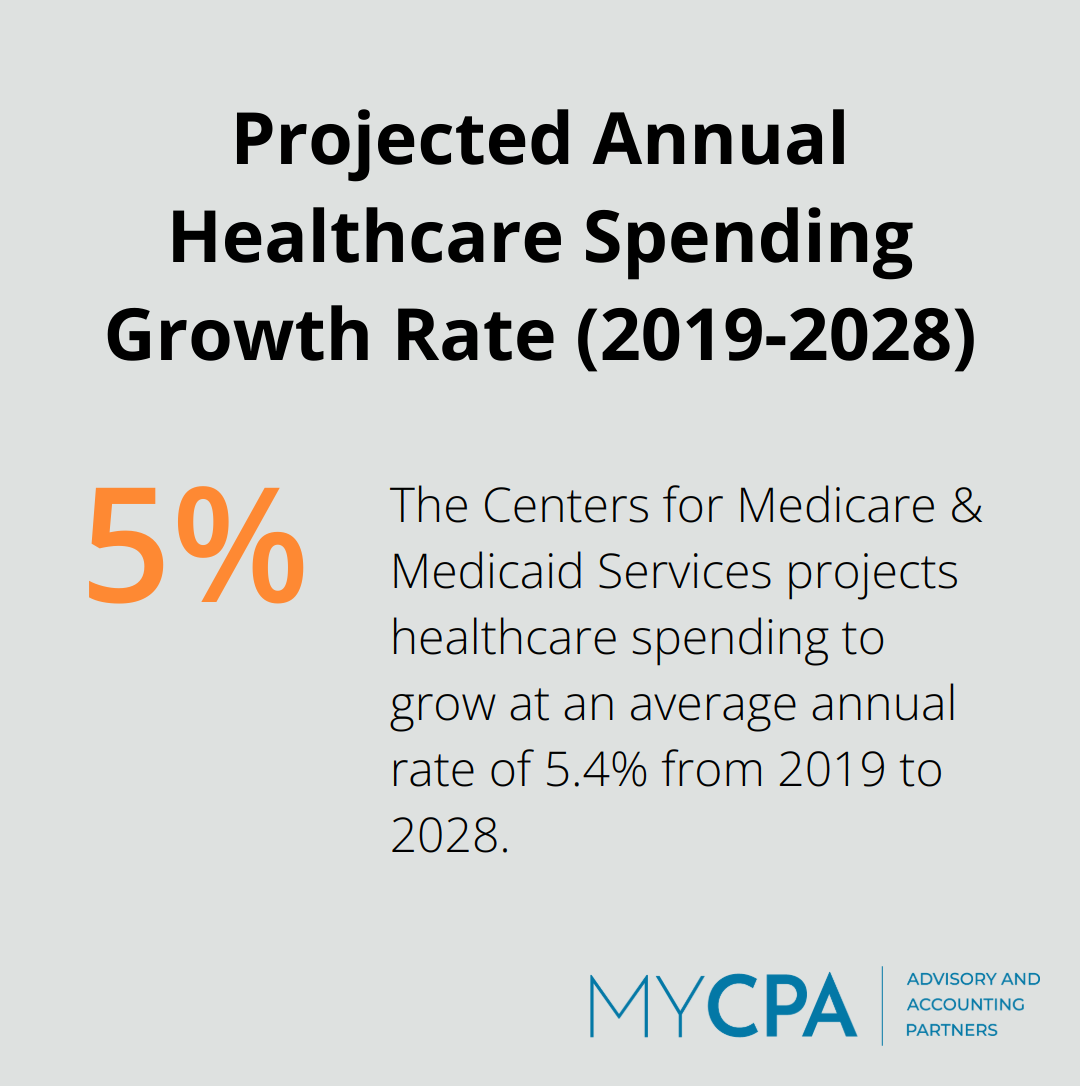
For expenses, factor in inflation. The Federal Reserve aims for a 2% annual inflation rate, but healthcare costs often rise faster. The Centers for Medicare & Medicaid Services projects healthcare spending to grow at an average annual rate of 5.4% from 2019 to 2028.
This step transforms your spreadsheet into a powerful planning tool. Test different withdrawal strategies to see their tax impacts. Compare:
Each scenario will yield different tax outcomes. For example, delaying Social Security until 70 increases your benefit by about 8% per year, potentially pushing you into a higher tax bracket later. However, it might allow for more Roth conversions in your 60s, reducing future Required Minimum Distributions (RMDs).
Run each scenario through your tax calculation formulas. Pay attention to your effective tax rate in each case. A strategy that results in a lower effective tax rate over your entire retirement could save you thousands in taxes.
Tax laws change frequently. The Tax Cuts and Jobs Act changed deductions, depreciation, expensing, tax credits and other things that affect businesses. Your spreadsheet should account for these known future changes.
While this spreadsheet serves as a valuable tool, it doesn’t replace professional advice. My CPA Advisory and Accounting Partners can help interpret these scenarios and develop a tax-efficient retirement strategy tailored to your unique situation. Our expertise can help you navigate complex tax rules and optimize your retirement income plan.
A retirement tax planning spreadsheet empowers you to secure your financial future. This tool provides insights into projected income, expenses, and tax liabilities, which allows you to make informed decisions about your retirement strategy. You can optimize your withdrawal strategies and potentially save thousands in taxes over your retirement years through the visualization of different scenarios and their tax implications.
Tax laws change, financial situations evolve, and life events can alter retirement plans. We recommend you review and adjust your projections at least annually, or when significant changes occur in your financial life or tax legislation. Your spreadsheet will maintain its relevance and accuracy through regular updates.
The complexities of tax law and retirement planning often require professional guidance. We at My CPA Advisory and Accounting Partners specialize in helping individuals navigate the intricacies of tax-efficient retirement planning. Our expertise can help you interpret your spreadsheet data, identify opportunities for tax savings, and develop a comprehensive retirement strategy tailored to your unique situation.








Privacy Policy | Terms & Conditions | Powered by Cajabra