QuickBooks Setup for Startups: A Step-by-Step Launch
Set up QuickBooks for your startup in minutes with our step-by-step guide. Get invoicing, expense tracking, and tax prep right from day one.
Getting your financial systems right from the start separates successful startups from those that struggle with accounting chaos later. QuickBooks setup for startups isn’t complicated, but mistakes in those early weeks can create headaches for months.
We at My CPA Advisory and Accounting Partners have seen firsthand how proper configuration saves time and prevents costly errors. This guide walks you through each step so you can launch with confidence.
Spreadsheets fail faster than most founders expect. Within the first few months of operation, most startups realize that tracking income, expenses, and tax obligations across multiple sheets creates reconciliation nightmares and leaves money on the table. QuickBooks solves this immediately by centralizing all financial data in one place, giving you real-time visibility into cash flow, profitability, and tax liability from day one. The difference between startups using proper accounting software and those relying on spreadsheets shows up clearly during tax season-one group pays thousands in unnecessary taxes because they missed deductions, while the other knows exactly what they owe and why.
Many startup founders don’t realize that poor financial tracking compounds quickly. A single misclassified expense becomes a cascading problem when tax time arrives. If you categorize a business meal as office supplies instead of meals and entertainment, you lose the deduction and overpay taxes. If you mix personal and business expenses, your accountant spends extra billable hours untangling the mess, and you may face audit risk. QuickBooks prevents these problems through built-in account structures and forced categorization at the point of entry. When you record a transaction, the software guides you to the correct account type, making mistakes harder to commit and easier to spot before they compound into larger issues.
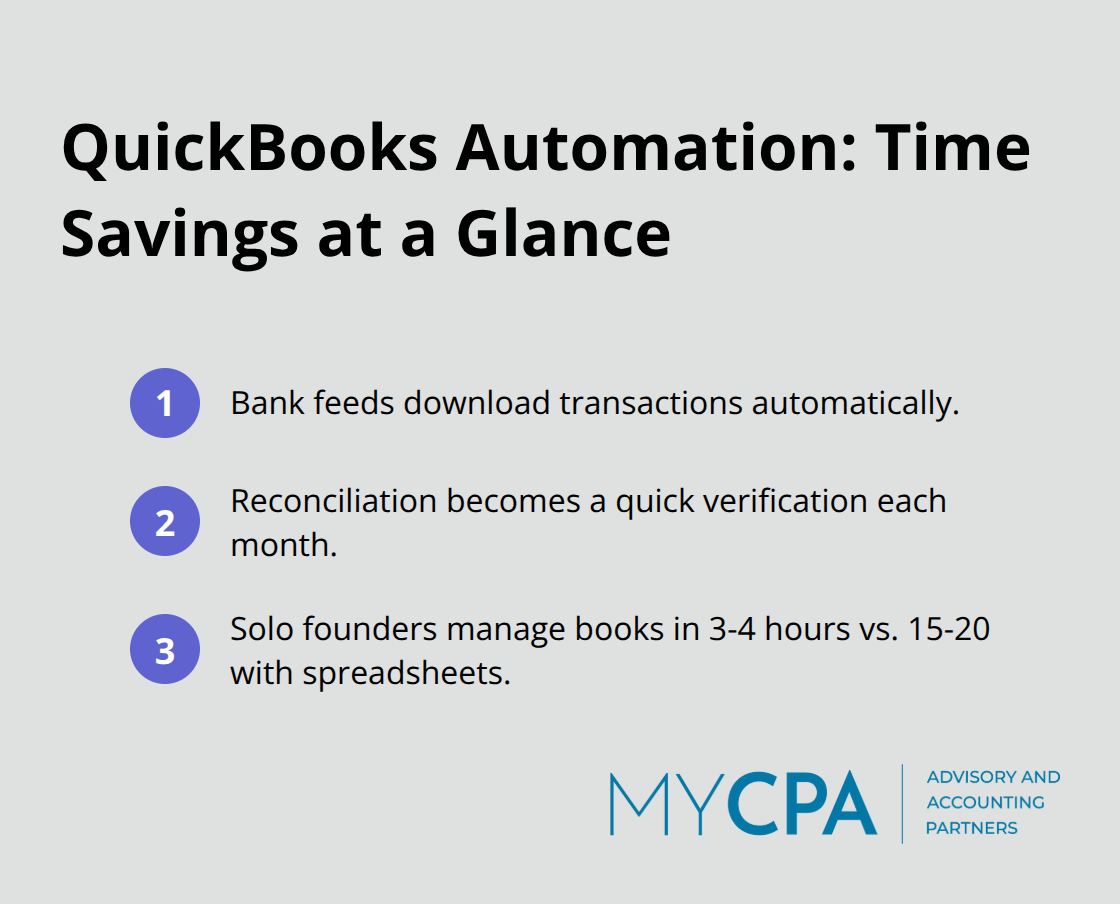
Setting up bank feeds in QuickBooks means transactions download automatically instead of you manually entering them. This single feature eliminates the biggest time sink in early-stage bookkeeping. Reconciliation shifts from a frustrating detective hunt to a verification process that takes minutes instead of hours each month. For startups operating on limited budgets and even more limited time, this automation difference directly impacts how quickly you can grow without hiring a full-time bookkeeper. Most founders working alone manage accurate bookkeeping in 3-4 hours per month using QuickBooks, compared to 15-20 hours with spreadsheets (a difference that frees up significant time for revenue-generating activities).
The right QuickBooks configuration from day one prevents the scrambling that catches most founders off guard. You need to connect your bank accounts, establish your chart of accounts, and set user permissions before you record your first transaction. These initial steps take a few hours but save weeks of correction work later. Startups that skip this foundation often spend months fixing categorization errors and reconciliation problems that proper setup would have prevented entirely. The next section walks you through exactly how to configure QuickBooks the right way, so you avoid these common pitfalls and establish systems that scale with your business.
QuickBooks Online Advanced works best for most startups planning to scale. It supports up to 25 users, unlimited chart of accounts, and bulk invoice capabilities. QuickBooks Online Plus is a more affordable option but limits you to 10 users and a smaller chart of accounts, which becomes restrictive once you hire your first employees or bring on contractors. The Desktop versions offer more advanced inventory and job costing features, but they lag for cloud-first startups that need mobile access and automatic backups.
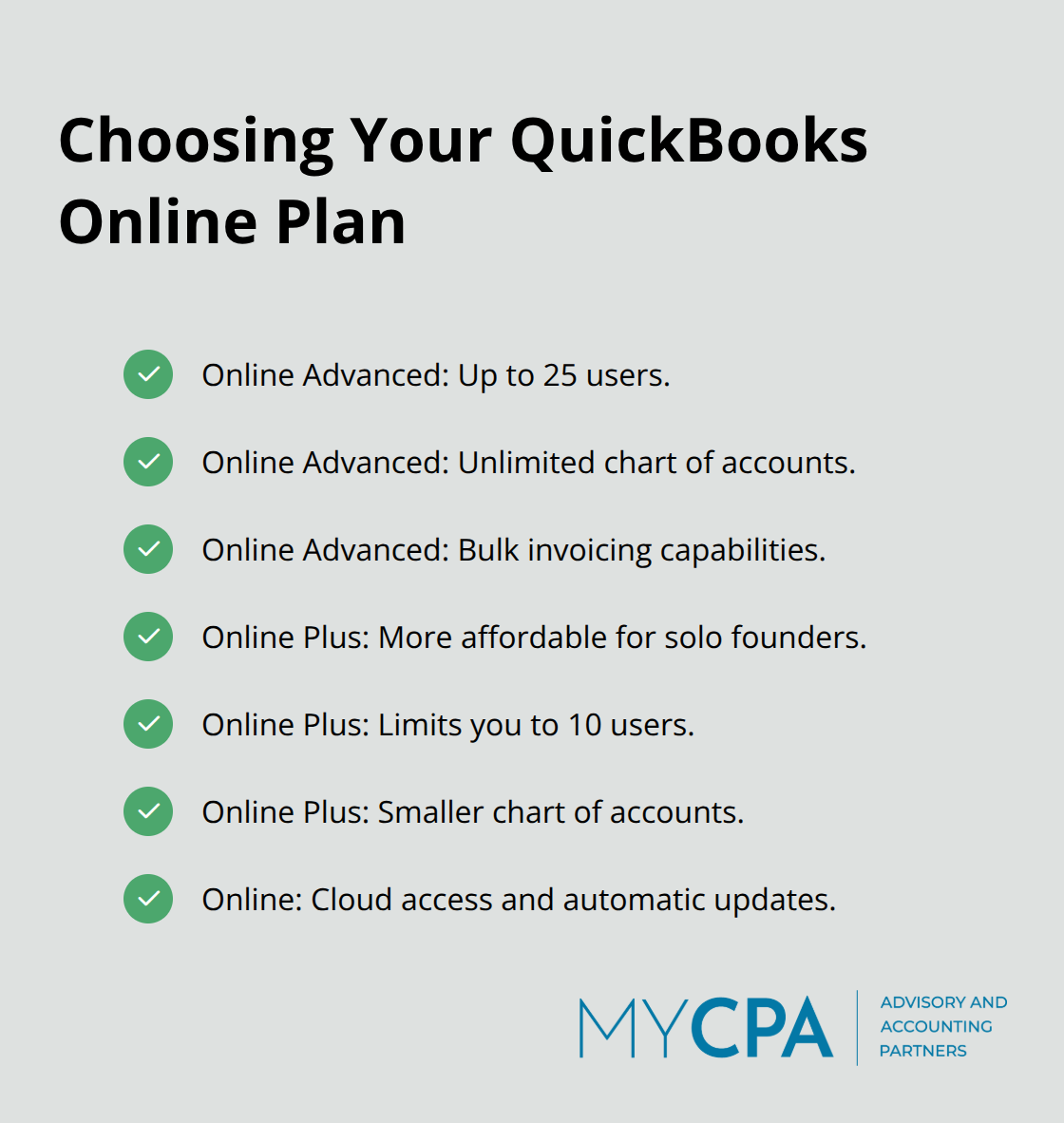
Online’s cloud infrastructure syncs your financial data across devices, enables your team to collaborate in real time, and lets Intuit handle security updates automatically. Select Online Advanced if you plan to hire within 12 months or manage multiple revenue streams. Select Plus if you’re truly solo and don’t anticipate needing multi-user access soon.
Your chart of accounts forms the skeleton of your entire financial system. Every transaction you record flows into one of these accounts, and poor organization here scrambles your reports later. QuickBooks ships with pre-built accounts, but you need to customize them to match your actual business. If you run a service business, you don’t need inventory accounts. If you sell physical products, you need them. If you’re bootstrapping with your own capital, you need an owner contribution account. Most founders accept QuickBooks’ default chart of accounts without modification, then discover six months later that their expense categories don’t align with how their accountant needs to file taxes. Instead, before you record a single transaction, sit down with your accountant or a QuickBooks-certified bookkeeper to set up internal accounting services and map your specific accounts. Access this through Gear > Chart of Accounts in QuickBooks Online. Your accountant guides which accounts appear, how they’re numbered, and whether you need industry-specific accounts. This 2-3 hour conversation prevents months of reclassification work during tax season.
Connecting your business bank account to QuickBooks through bank feeds eliminates manual data entry and catches errors immediately. When you log into QuickBooks, transactions from your bank appear automatically within 24 hours, already categorized based on your historical patterns if you’ve enabled machine learning. You then review each transaction, confirm the category is correct, and reconcile monthly. This process takes 15-20 minutes if you’ve stayed current, or hours if you’ve let three months pile up. Most startups that reconcile monthly catch accounting errors before they snowball and maintain accurate cash flow visibility for decision-making.
Set a recurring calendar reminder for the same day each month, ideally within 5 days of your bank statement closing. Open your bank statement and your QuickBooks register side by side, match every transaction, and mark it cleared in QuickBooks. The reconciliation feature flags discrepancies immediately, showing you exactly which transactions don’t match. If a $500 expense appears in your bank but not QuickBooks, the system highlights it so you don’t miss it. This monthly accounting close ritual takes just 15-20 minutes when you stay current, but it protects your financial accuracy and prevents small errors from compounding into larger problems that surface during tax season or when you need to show financials to investors or lenders.
Most startups fail at QuickBooks not because the software is complicated, but because they rush through configuration without understanding how their choices ripple through every financial report and tax filing that follows. The three biggest mistakes happen within the first month of setup, and each one costs thousands in wasted time, missed deductions, or audit risk.
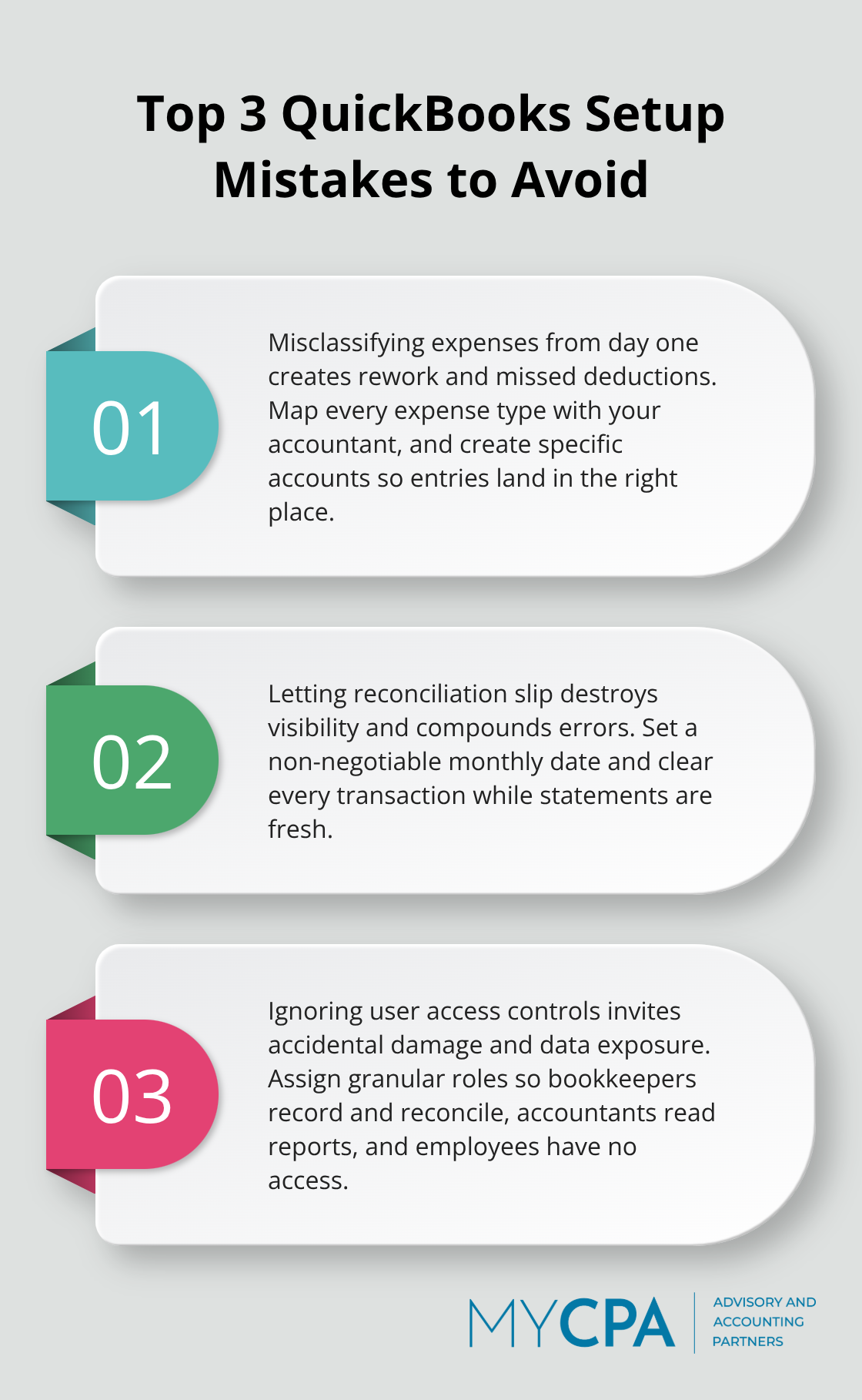
The first mistake is placing expenses into the wrong categories from the start. A founder records a $2,000 annual software subscription as office supplies instead of software expenses, then another $1,500 in accounting software goes to the same wrong category. Within a year, they’ve buried $3,500 in software costs across the wrong account, and their accountant spends billable hours reclassifying everything before filing taxes. This happens because QuickBooks doesn’t enforce category accuracy the way a human accountant would-the software accepts whatever category you choose and happily builds reports based on incorrect data.
Sit with your accountant before you record your first transaction and map every expense type your business will encounter. Create specific accounts for each one. If you run a consulting firm, create separate accounts for software subscriptions, professional development, client entertainment, and subcontractor fees. Do not lump everything into a general “expenses” category and hope to sort it out later. This upfront work prevents months of reclassification during tax season.
The second mistake is treating reconciliation as optional. Startups reconcile in month one, skip month two because they’re busy, then try to reconcile three months of transactions at once and abandon the effort halfway through. This creates a financial blind spot where nobody knows whether the bank statement matches QuickBooks, whether you’ve missed income deposits, or whether expenses were recorded twice.
When tax season arrives, your accountant spends hours reconstructing what actually happened, and you lose the ability to spot cash flow problems early. Monthly reconciliation keeps your finances accurate and prevents costly errors. Set a non-negotiable monthly reconciliation date on your calendar-the same day every month-and treat it like a client meeting you cannot reschedule. This takes 20 minutes if you stay current, or several hours if you’ve let it slide.
The third mistake is treating user access like it doesn’t matter because you’re the only founder. Then you hire your first employee or contractor, give them admin access to get them up to speed quickly, and they accidentally delete six months of transaction history or change your chart of accounts without telling you. QuickBooks offers granular permission controls that let you restrict what each user can view and edit, but most startups ignore these settings entirely.
Set up user roles from day one: your bookkeeper gets access to record transactions and reconcile, your accountant gets read-only access to pull reports, and your employees get no access at all. This prevents accidental damage and protects sensitive financial data from people who don’t need to see it. Proper access controls take minutes to configure but save you from costly mistakes that damage your financial records.
These three mistakes are preventable with 3-4 hours of careful setup work at the beginning, compared to dozens of hours of correction and reclassification work later. The difference between a startup that configures QuickBooks correctly and one that scrambles to fix problems is simply time spent upfront on the right decisions.
QuickBooks setup for startups creates the financial foundation that separates organized growth from chaotic scrambling. The hours you invest in proper configuration now prevent weeks of correction work later and establish systems that scale as your business grows. You’ve learned how to choose the right version, customize your chart of accounts, connect bank feeds, and avoid the three mistakes that derail most founders.
After your initial setup is complete, your work shifts to maintenance. Reconcile monthly without fail, review your profit and loss statement every quarter, and stay current with transaction entry so your data remains accurate. Most startups find that 3-4 hours per month keeps QuickBooks running smoothly once the foundation is solid, and this ongoing discipline prevents the financial blind spots that catch founders off guard.
Professional support accelerates your progress and protects you from costly mistakes. We at My CPA Advisory and Accounting Partners help startups configure QuickBooks correctly and manage their financial systems for accurate reporting and bookkeeping. Contact us today to discuss how we can support your startup’s financial success and help you build systems that work for you, not against you.








Privacy Policy | Terms & Conditions | Powered by Cajabra